

Requirements Review
We learn how your business handles calls, how many extensions you need and how your staff work, in the office and remotely.


Telephone PBX setup
CloudMe sets up and configures IP telephone PBX systems for offices in Dubai and across the UAE. We plan your extensions and call flow, install and configure the PBX, connect your phone lines and handsets, and train your team, so your business stays connected and your staff can keep working from anywhere. After go-live we stay on hand with support, so a phone problem never leaves customers unable to reach you.
Overview
A telephone PBX is the business phone system that connects your office extensions, routes incoming calls and links your company to the outside phone network. CloudMe provides IP telephone PBX setup, PBX configuration and office telephone setup for businesses in the UAE.
A badly set up phone system costs you customers. Calls ring in the wrong place, extensions do not work, and staff who are out of the office cannot be reached. We start by understanding how your business takes calls, who needs an extension and which calls should go to which team, and then configure the system around that.
An IP PBX uses your network to carry calls, which makes it practical to extend the office phone to staff working remotely. Your team can keep using the company number and their own extension while away from the desk, and your customers still reach the right person.
Because CloudMe also builds and supports business software, we can plan your phone system alongside your network, servers and applications. That means one accountable team for setup, configuration and ongoing support, instead of several suppliers.
Our track record
For more than 15 years, CloudMe Software Solution has helped businesses in Dubai and across the UAE run on reliable, scalable software, from ERP and POS to websites and hardware.
Our clients
Organizations across retail, restaurants, healthcare, education, logistics, and service industries trust CloudMe Software Solution for reliable technology solutions. Our focus on innovation, scalability, and customer success has helped businesses improve efficiency and achieve digital transformation.





































Based in the UAE
CloudMe Software Solution was founded in 2012 and is headquartered in Bur Dubai, United Arab Emirates. We serve businesses in Dubai and across the UAE, with local support and software built for UAE rules, including VAT and e-invoicing through Peppol.

Benefits
Devices
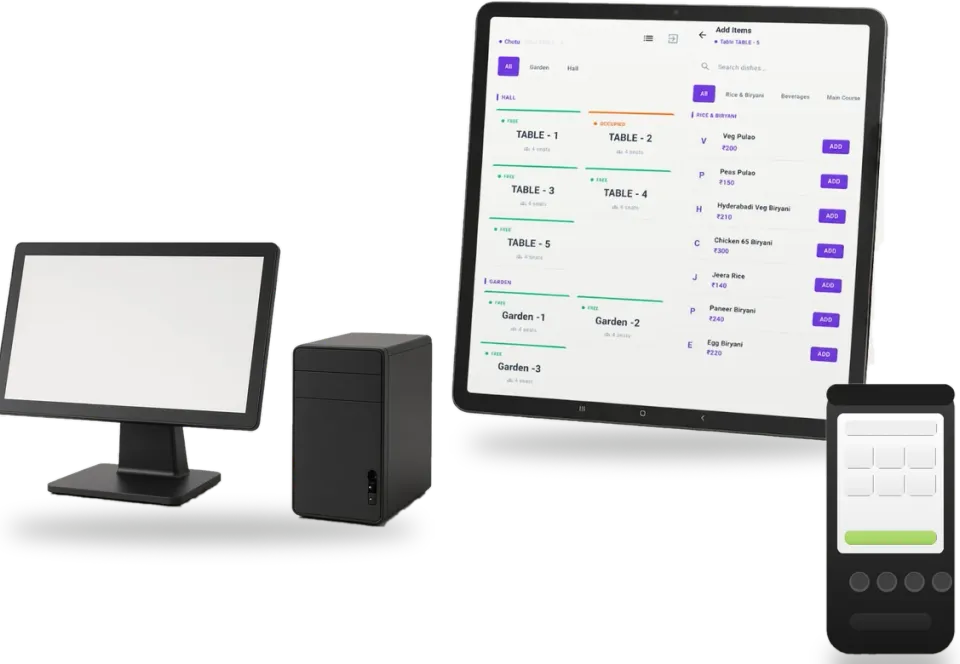
CloudMe telephone PBX setup runs on the devices your team already uses. Windows desktops, laptops, tablets, phones and browsers all show the same simple screens, and every change syncs in real time across your branches and teams.
Features
We deliver the complete setup, not just the equipment. Exact scope is agreed with you after we understand your office and call needs.
We learn how your business handles calls, how many extensions you need and how your staff work, in the office and remotely.
Installation of the IP telephone PBX that carries your office calls over your network.
Configuration of extensions, call routing and settings to match your business, tested before go-live.
Connection of desk phones and handsets so every employee has a working extension.
Setup that lets staff take calls on their extension while working away from the office.
Connecting your telephone lines and providers to the PBX so incoming and outgoing calls work.
Checking your network so calls stay clear, and advising on any changes the phone system needs.
We test every extension and train your team and administrators to use the system.
Ongoing support from our UAE team when a phone, extension or line needs attention.
Who it is for
Any business that takes calls from customers can benefit. We set up a small office with a handful of extensions as well as larger companies with several departments, branches and remote staff.
Why CloudMe
ERP, POS, CRM, websites, apps and hardware from one accountable team in Dubai.
Custom software development
Every business operates differently. CloudMe develops software solutions tailored to your industry, workflow, and operational requirements, to simplify complex processes, improve decision-making, and help businesses grow with confidence.
We map your workflows, branches and reports, then agree the modules you need.
We tailor the system to your industry and move your data across from legacy software.
Data migrationWe set up the hardware, connect your branches and train your team.
ImplementationReliable technical support and continuous product improvements as you add users and branches.
Support & SLABusiness hardware
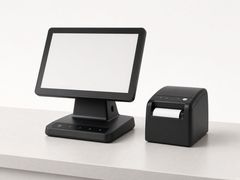
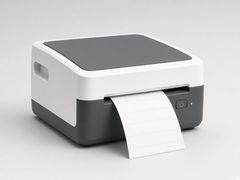
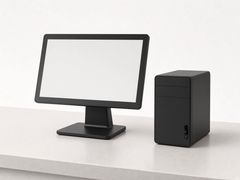
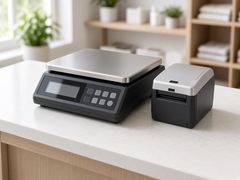
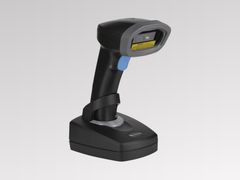
CloudMe supplies POS terminals, barcode scanners, receipt printers, cash drawers, weighing scales, and other business hardware designed to work seamlessly with our software solutions for smooth daily operations.
Payments
Accept cards, wallets and payment links securely across POS, online ordering and invoicing, with settlement handled by the gateways businesses in the UAE already trust.






FAQs
CloudMe Software Solution builds ERP, POS, CRM, HR and accounting software, mobile apps and websites for businesses across Dubai and the UAE. With 15+ years of experience and 4,500+ clients, we deliver VAT-ready, locally supported systems that grow with your business.
Get started
Book a free demo and we will walk you through CloudMe with your own industry, branches and reports.
Prefer to talk? Call +971 56 440 7916
Technology ecosystem
CloudMe solutions are engineered on trusted cloud infrastructure, messaging and identity platforms, and trusted hardware partners, so every deployment is secure, scalable and dependable.












Demo
Tell us what you need and we will reply by phone or email.